CSV Integration

Bring Your Store to DSers with CSV Import

Keep selling on your chosen platform and bring your products and orders into DSers for dropshipping fulfillment. CSV import gives stores without a native DSers integration a practical route to supplier mapping, order processing, and tracking exports—all through structured files you control.

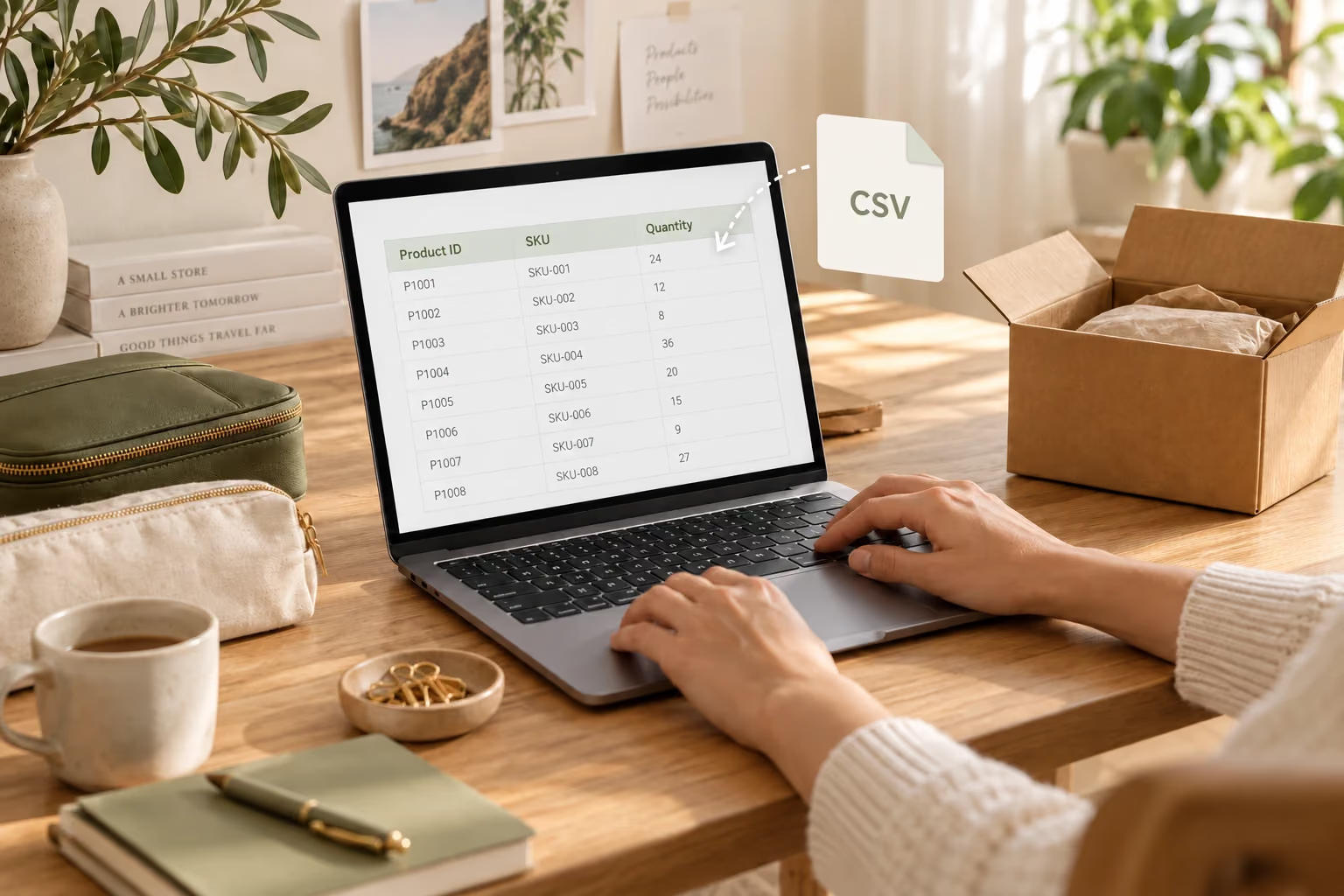
A seller prepares product records at a laptop beside an olive travel organizer and a CSV file concept

A File-Based Connection to Your Fulfillment Workflow

CSV stands for comma-separated values: a file format that carries data in rows and columns. In DSers, it connects the product and order records from your selling platform to the supplier side of your business.

Your storefront remains where customers shop. DSers provides separate templates for your catalog and customer orders, giving that data a consistent structure for fulfillment. You prepare and upload the files, while DSers brings the records into its product and order management workflow.

The connection starts with products. Each imported SKU is linked to a supplier SKU, so subsequent order imports can use the matching product relationship. Once suppliers ship, tracking numbers can be exported in bulk for you to update orders on your selling platform.
From Store Records to Supplier Orders

Give Your Catalog a Supplier Connection

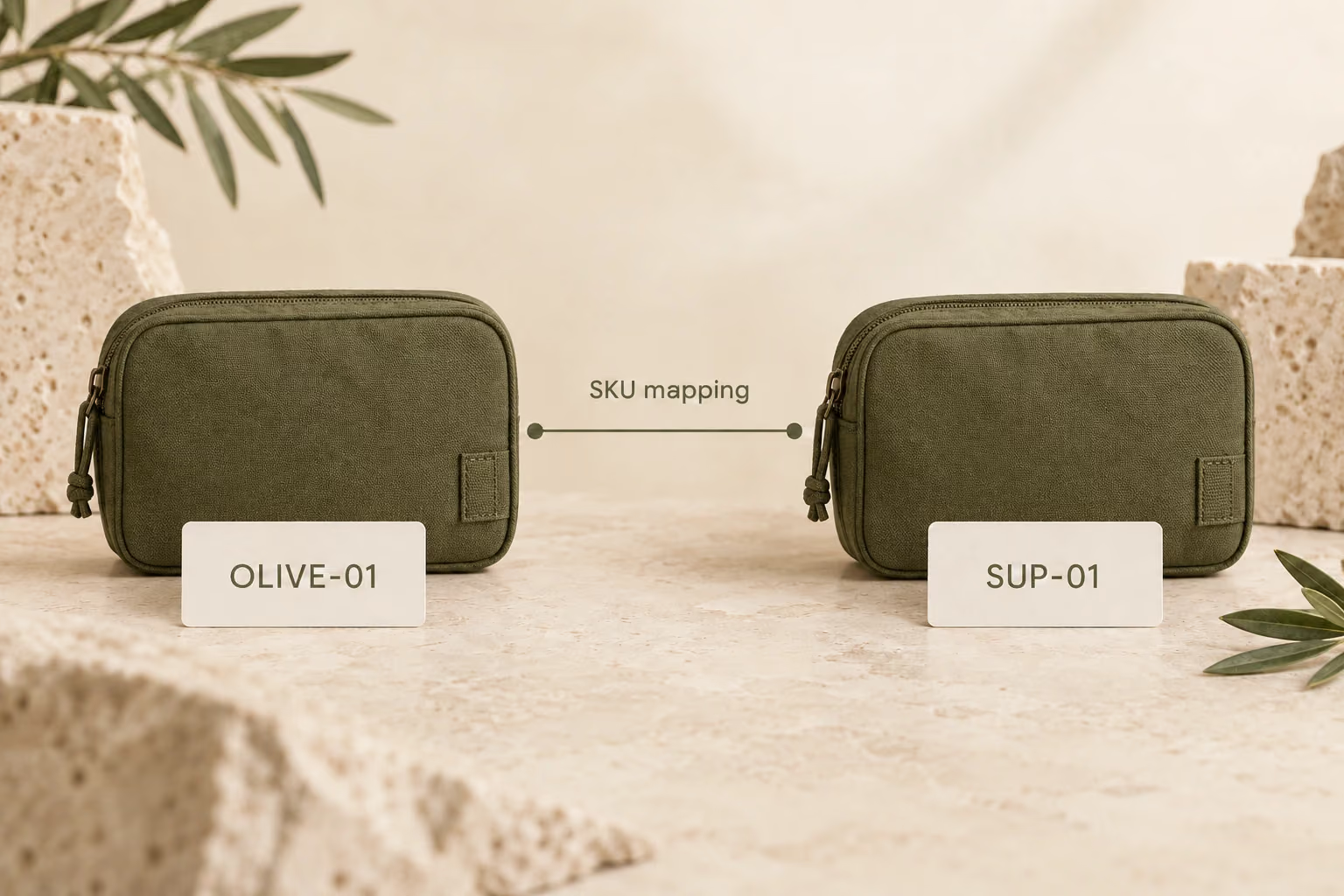
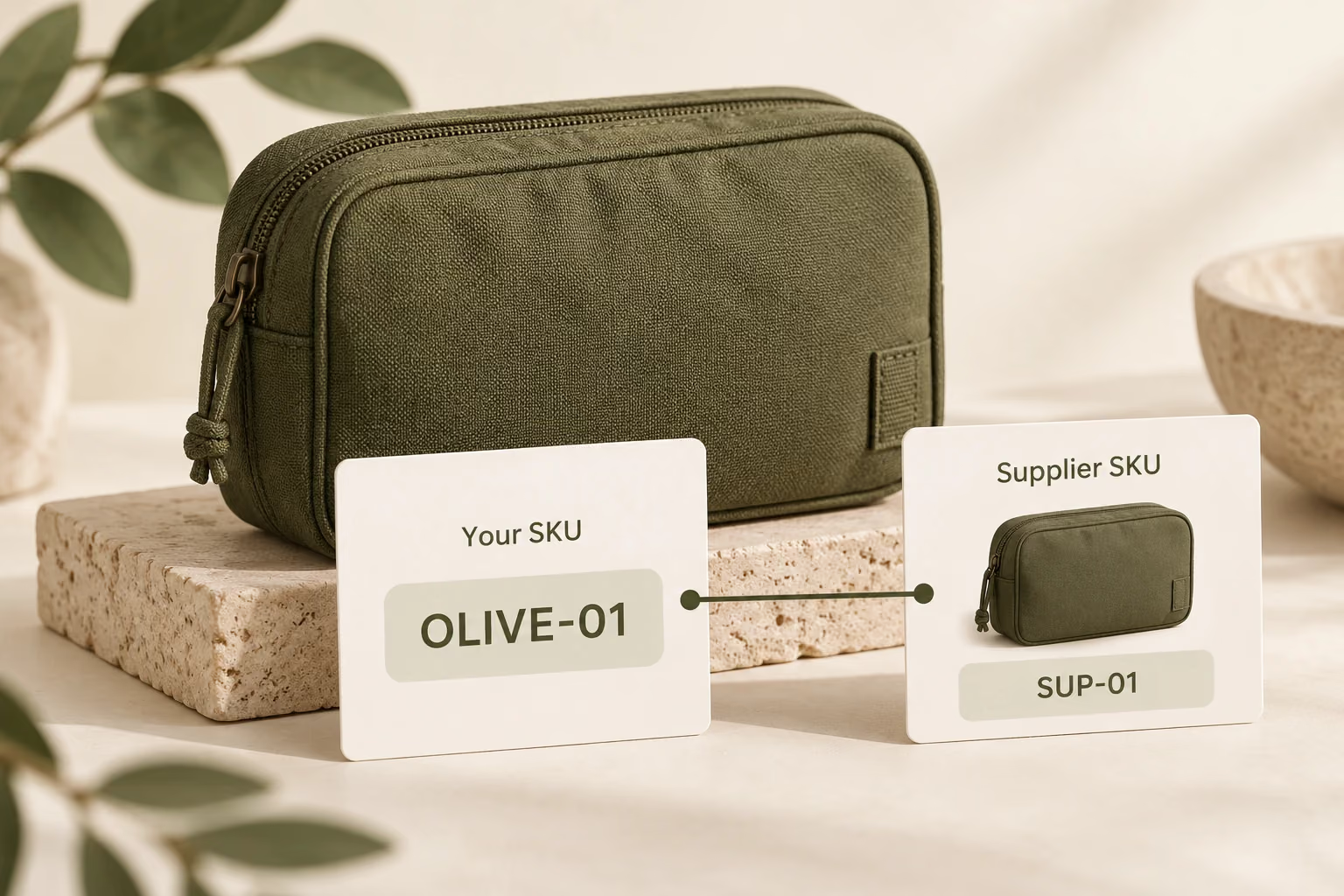
Import your products into My Products and map your SKUs to the supplier variants you want to sell. Product IDs and SKUs give later order imports a consistent reference, connecting a customer's purchase with the item you intend to source. Each product SKU maps to one supplier SKU.

An olive travel organizer SKU connects to one matching supplier SKU

Bring Order Batches into DSers

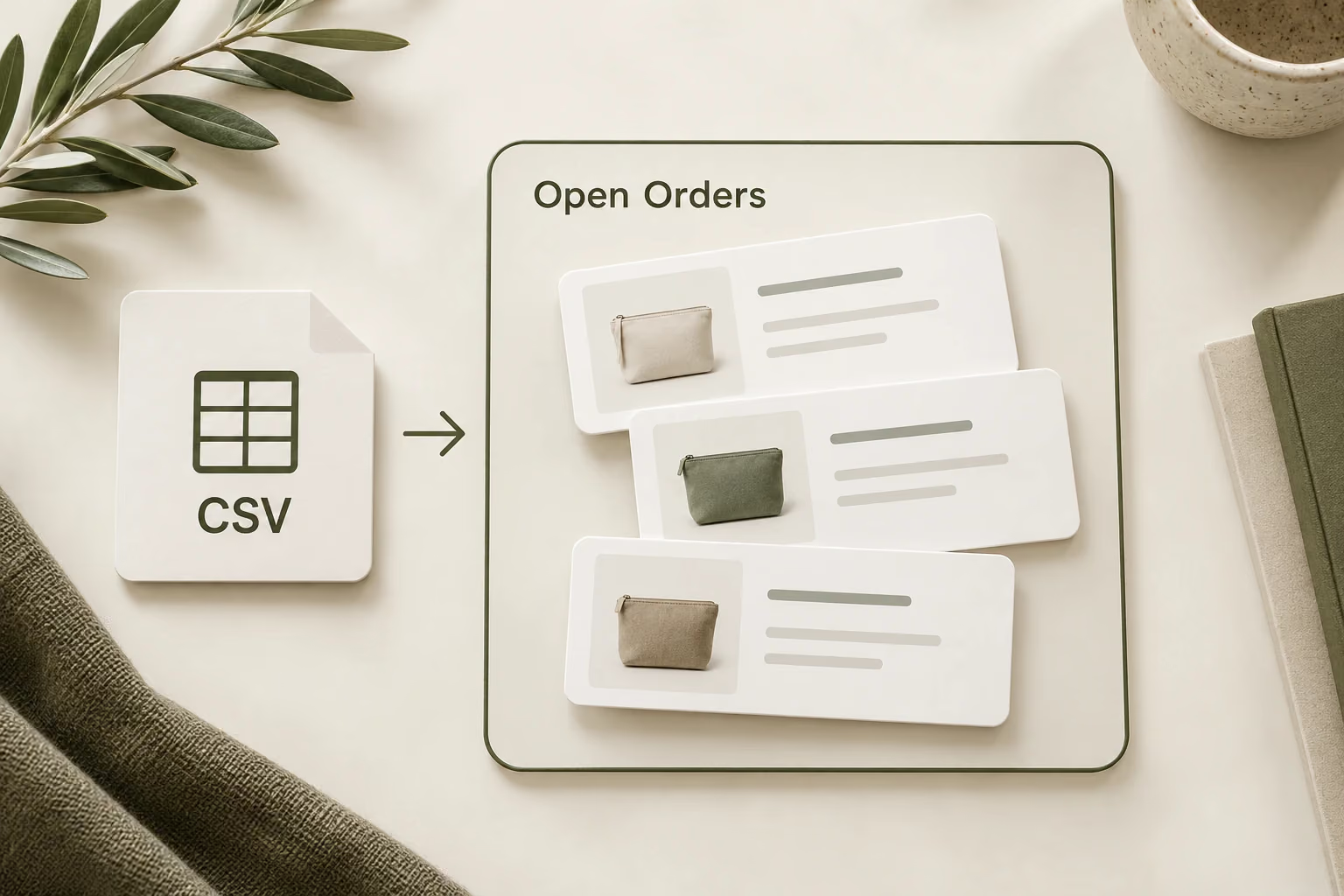
Upload customer orders using the order template and manage successfully imported records in Open Orders. Review addresses and shipping methods before submitting orders to suppliers. This gives spreadsheet-managed sales a place in your daily fulfillment work, with an opportunity to check the details before ordering.

A CSV file groups customer order records for review in Open Orders

Choose the Supply Side That Fits Your Business

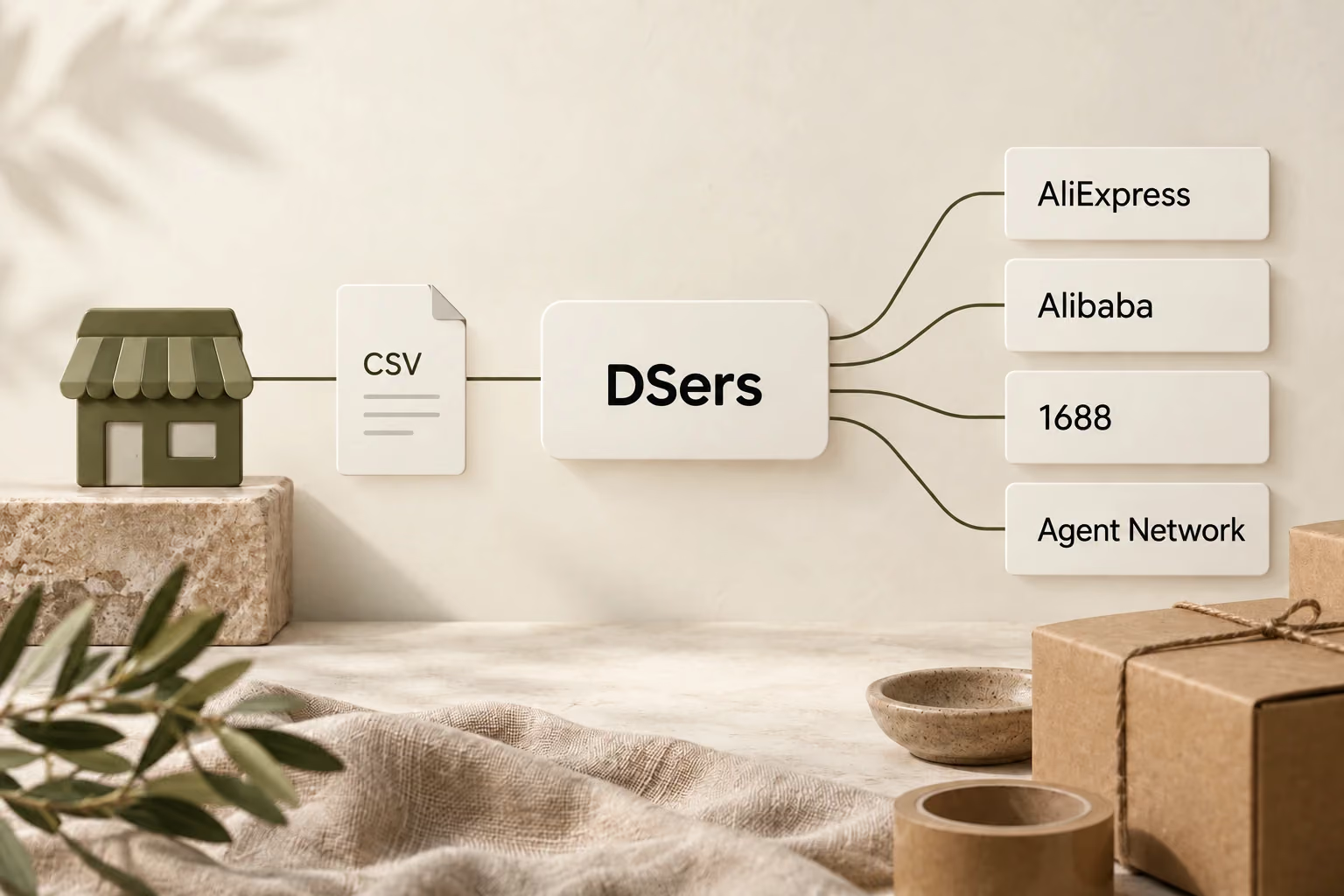
CSV orders can be fulfilled through AliExpress, Alibaba, 1688, and the DSers Supplier Agent Network. Your selling platform and sourcing channel do not have to share a native connection. Set up the relevant supplier connection and mapping, then follow that channel's ordering and payment process.

A store connects through CSV and DSers to four separate sourcing channels

Choose the Right Connection for Your Store

Native integrations and CSV serve different store setups. A supported native integration exchanges data directly with DSers; CSV provides a file-based route when that connection is unavailable or your records are managed in spreadsheets.

Native integration

Native integration

Bringing in store data
Sync through a supported store connection
Product matching
Map store products to supplier variants
Returning tracking information
Sync through the supported integration
Best fit
Stores with a supported direct connection
CSV integration

CSV integration

Bringing in store data
Prepare and upload product and order files
Product matching
Import products first, then complete SKU mapping
Returning tracking information
Export tracking numbers and update your selling platform
Best fit
Unsupported platforms and spreadsheet-managed sales

CSV gives you control over when records enter DSers. It also makes file preparation and the return of tracking information part of your operating routine.

Keep Your Sales Channel, Improve the Handoff

Your Platform Has No Native DSers Integration

A missing direct connection need not mean moving your storefront. If you can prepare the required product and order information in DSers' templates, CSV gives those sales a route into supplier fulfillment.

Your Team Already Works in Spreadsheets

Bring an established file-based process into DSers. Separate product and order templates make the handoff clearer: the catalog defines what you sell, while each order file supplies the purchase and delivery details for fulfillment.

You Have a Batch of Orders to Process

Prepare a group of orders in one file and bring them into Open Orders together. This is useful when sales arrive as an export or an accumulated spreadsheet, while keeping review and supplier submission within DSers.

Start Your CSV Connection in 5 Steps

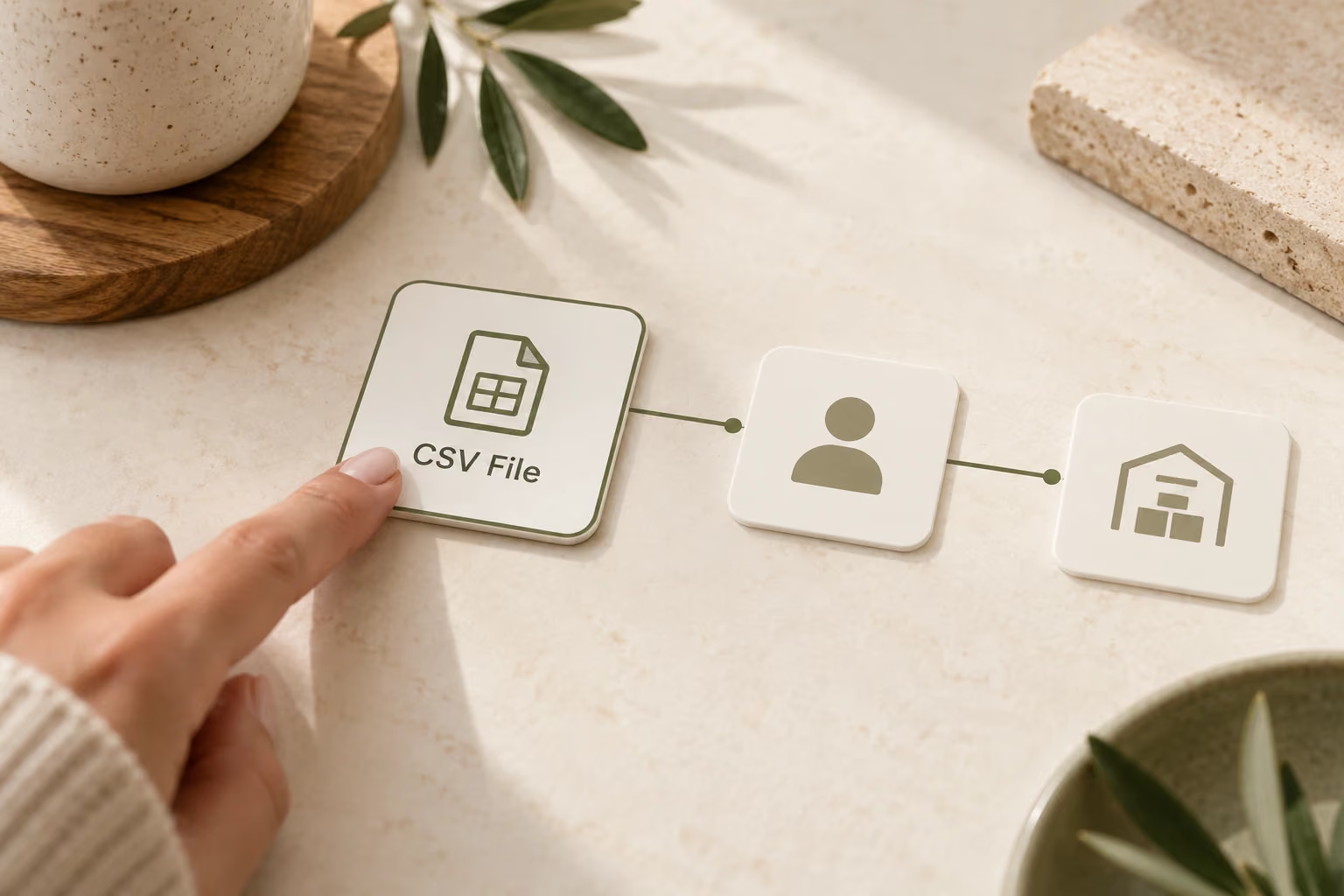
Choosing CSV File as the connection method and preparing account connections

Choose CSV File

Create your DSers account, select CSV File on the platform selection page, and complete plan selection. Connect the supplier account needed for your fulfillment workflow.

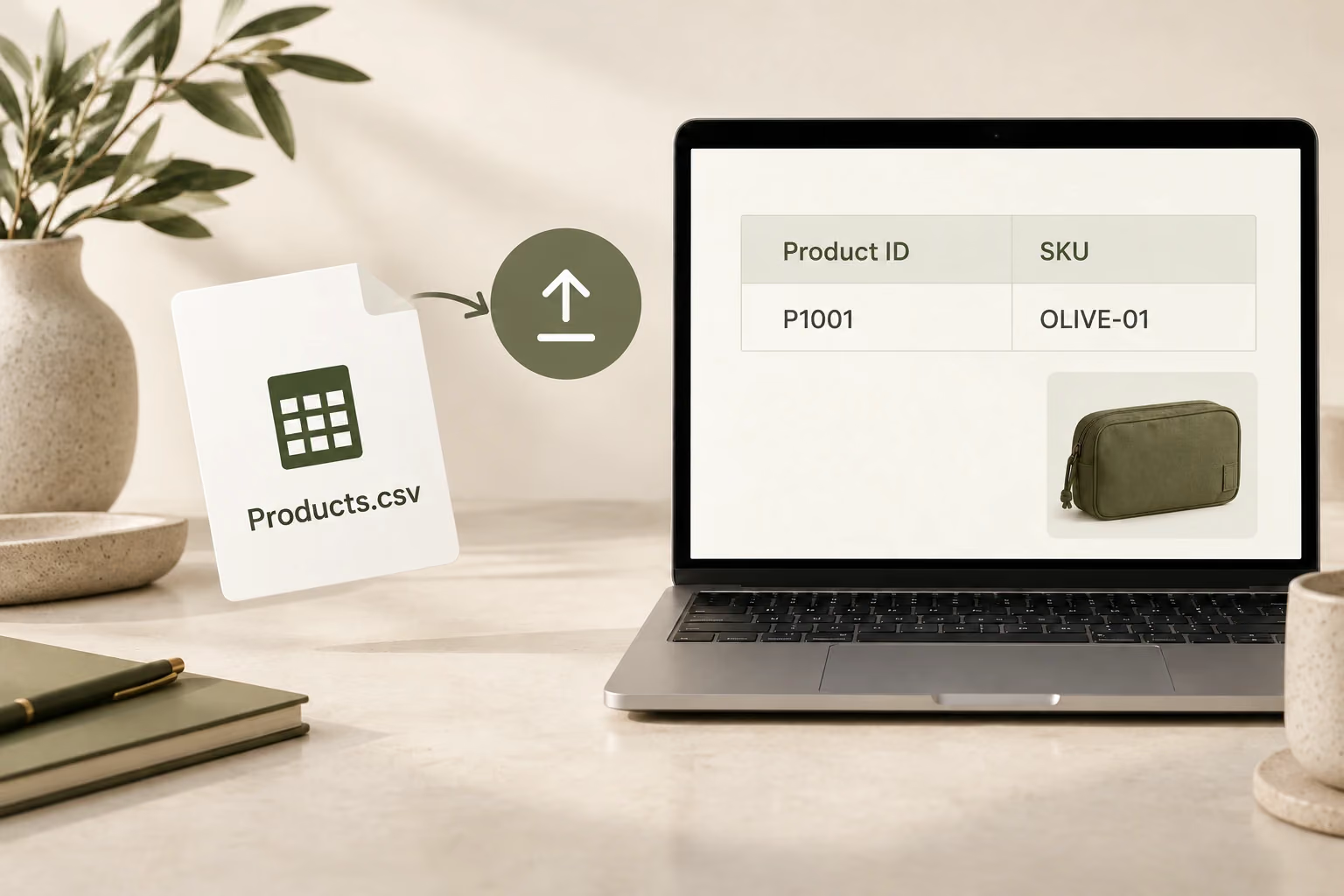
A product CSV contains a Product ID and SKU before upload

Import Your Product File

Download the product template from CSV Upload. Add your catalog data, including Product ID and SKU, then upload the completed file.

The olive organizer SKU links to the same supplier product variant

Map Your Products

In My Products, link each imported SKU to its supplier SKU. Confirm the variant matches the product your customer will receive before preparing orders.

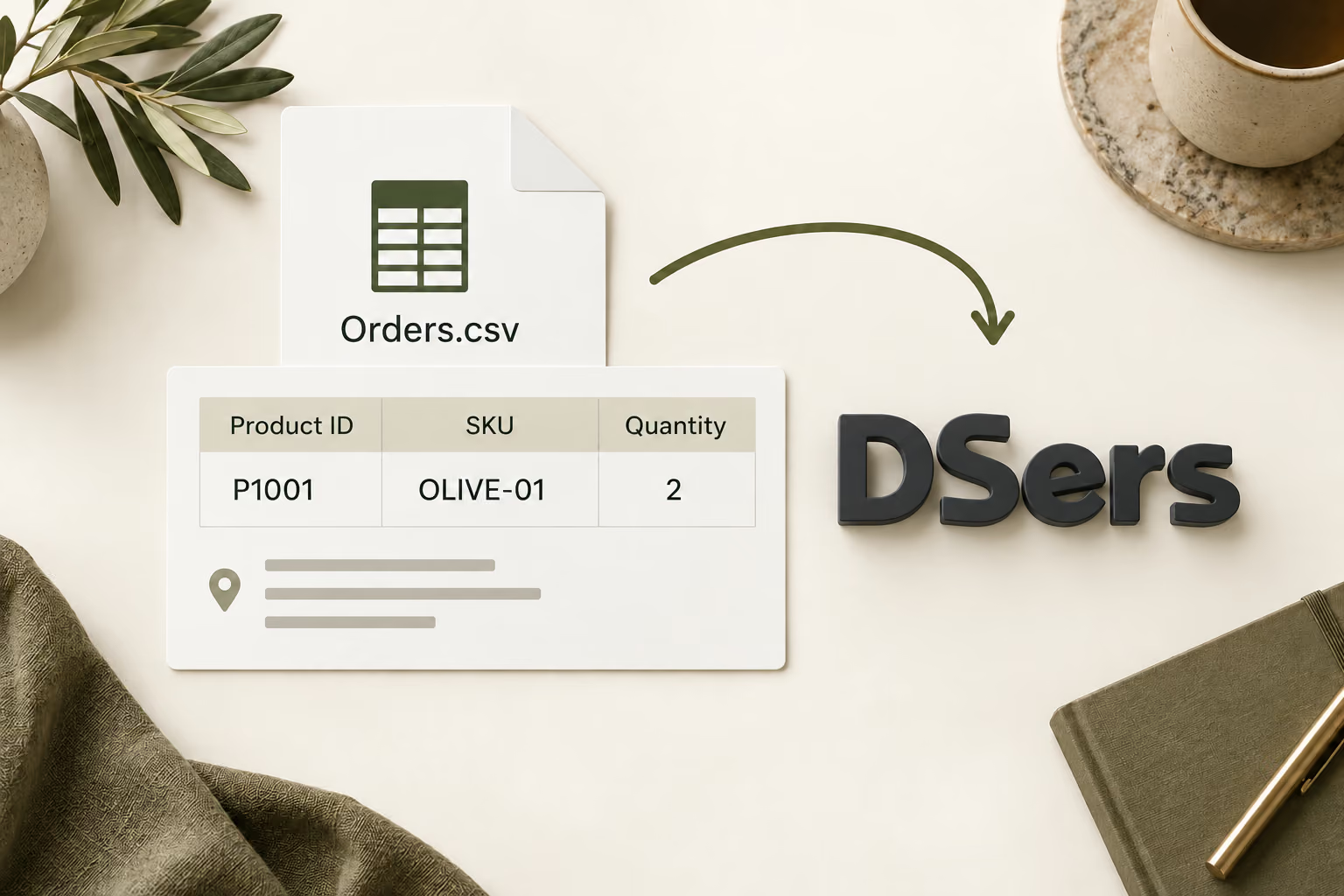
An Orders.csv file with Product ID, SKU and quantity connects to DSers for order import

Import Your Orders

Complete the order template using the same Product IDs and SKUs as your imported catalog. Add the required delivery details and upload the file.

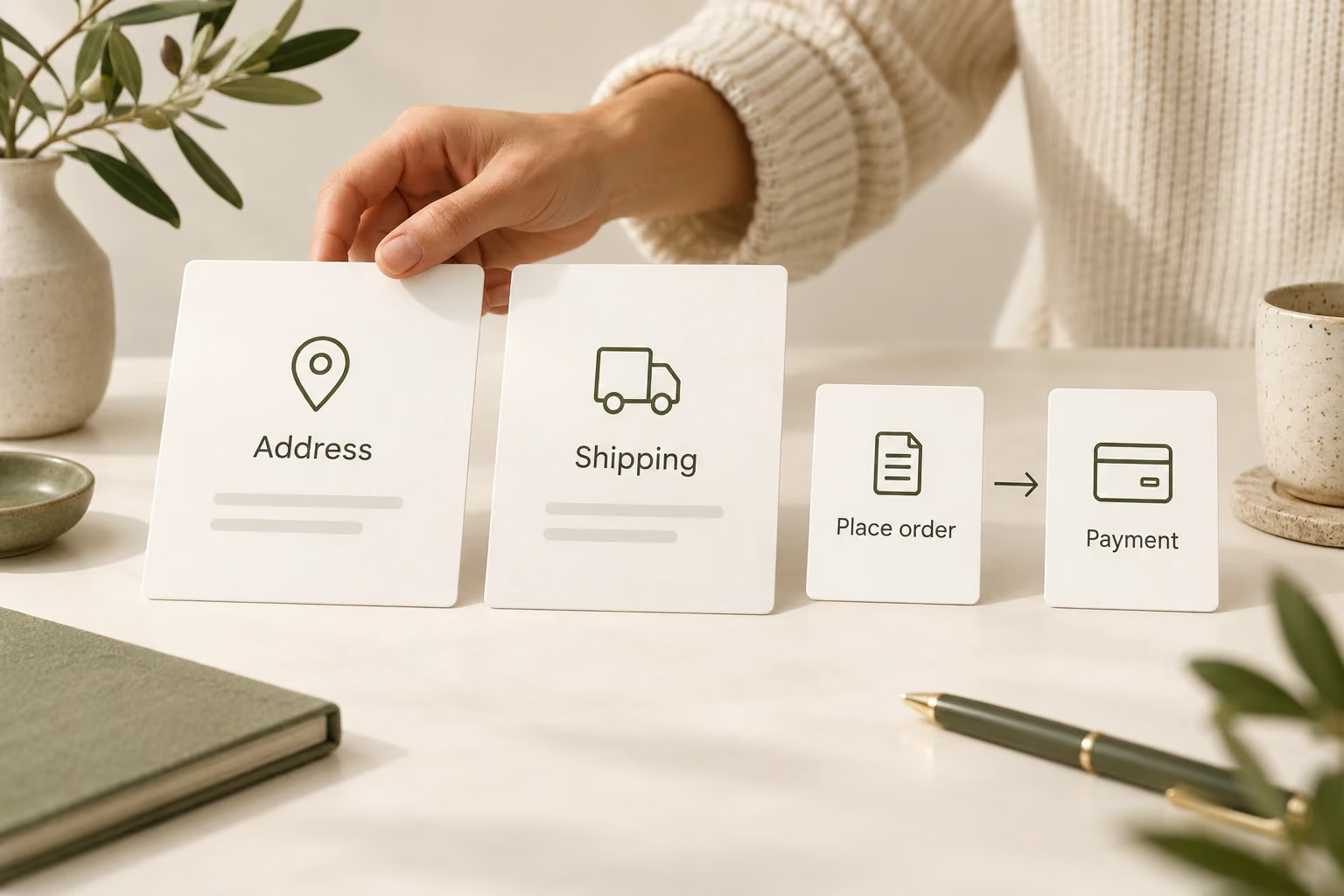
Address and shipping review precedes order placement and separate supplier payment

Review and Place Orders

Check the imported orders in Open Orders, confirm addresses and shipping methods, and submit them to the relevant supplier. Complete payment through that supplier's supported process.

Read the CSV setup guide

Keep Your Store. Fulfill with DSers.

Bring products and orders into DSers with CSV, then place supplier orders from one workspace.

FAQ

What can I import into DSers with CSV?

DSers provides separate CSV templates for products and orders. Import your product catalog and complete supplier mapping before bringing in orders that reference those products.

Can I upload my platform's export without changing it?

Your data needs to follow DSers' template structure and required fields. A CSV export from another platform may need preparation before it is ready to upload.

Does CSV provide automatic store synchronization?

CSV is a manual file-based connection. You upload product and order data and export tracking numbers to update your selling platform; it does not provide the same direct synchronization as a native integration.

What happens if an import fails?

DSers generates an error report. Use it to identify the problems, correct the file, and upload it again. Missing required fields or mismatched product references can cause failures.

Does uploading an order also pay the supplier?

No. Importing adds the order to DSers for review and supplier submission. Supplier payment remains a separate part of fulfillment and follows the relevant sourcing channel's process.

Can one product SKU be mapped to multiple supplier SKUs?

For CSV product imports, each product SKU maps to one supplier SKU. Complete this relationship before importing orders so the product references match your catalog.